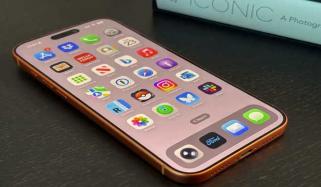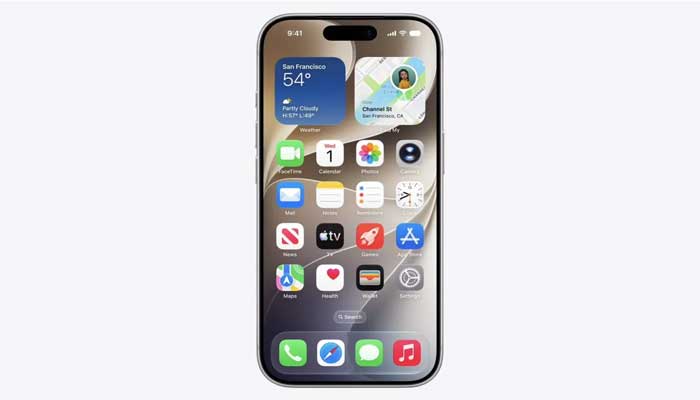
Apple officially launched the highly-anticipated iOS 27 Developer Beta 1 update for select users on Monday, shortly after hosting the Worldwide Developers Conference (WWDC) 2026 keynote.
The recently introduced iteration of iPhone operating system comes with a variety of cutting-edge enhancements, aiming to offer a streamlined user experience such as new features in Photos and Mail apps, and enhanced child safety features.
The Cupertino-based tech giant has released its smarter Siri, which was first promised at WWDC 2024.
iOS 27 release date and availability
Apple’s iOS 27 is slated for a global launch, which is expected by the end of this year. Those who want to try out all of the latest features can easily install the iOS 27 Developer Beta 1 update.
Notably, the new operating system is currently available to registered developers.
iOS 27 supported iPhones list
Here’s a list of all the devices that are compatible with the recently launched operating system:
- iPhone 16 Series
- iPhone 15 Series
- iPhone 14 Series
- iPhone SE (2022)
- iPhone 13 Series
- iPhone 12 Series
- iPhone 11 Series
- iPhone SE (2020)
How to install iOS 27 Beta 1 on an iPhone?
Follow this step-by-step guide to install iOS 27 Beta 1:
- Initially, navigate to beta.apple.com > click the Signup button.
- Afterwards, enter your Apple ID.
- Read the Terms & Conditions and accept them according to your preference.
- After creating an Apple Developer account, sign in on the iPhone with the same account to receive the beta updates.
- Launch Settings > General > Software Update
- Select Beta Updates and select the Developer Beta option
Alongside, Apple iOS 27, the company has also released the eagerly-awaited Airi with an AI-powered overhaul and some significant updates.