Instagram, one of the most commonly used social media platforms, knows how to keep users hooked to its platform with exciting updates.
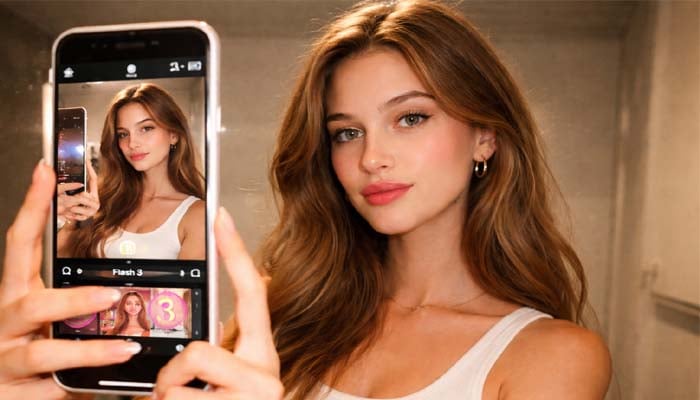
The app’s new update, “Flash 3” photo filter, is making waves across Instagram, and taking over feeds with its retro-inspired aesthetic.
What is Instagram’s Flash 3 filter?
The Flash 3 filter offers images a vintage flash photography look, improving brightness, contrast, and sharpness. It is similar to the effect of old-school cameras, making images visually appealing, bold, and nostalgic, making it ideal for social media trends.
How to use Flash 3 filter on Instagram
Follow these simple steps to try the viral filter yourself:
Step 1: Add your photos to the Instagram stories section.
Step 2: Click on the effects icon and explore effects.
Step 3: Look for Flash under effects and apply.
Within seconds, your photo transforms into a retro-style masterpiece.
Instagram’s new Flash 3 filter is free, and easy to use. Whether you’re updating your Instagram aesthetic or trying out a viral trend, this filter is a must-try for transforming your photos within a few seconds.