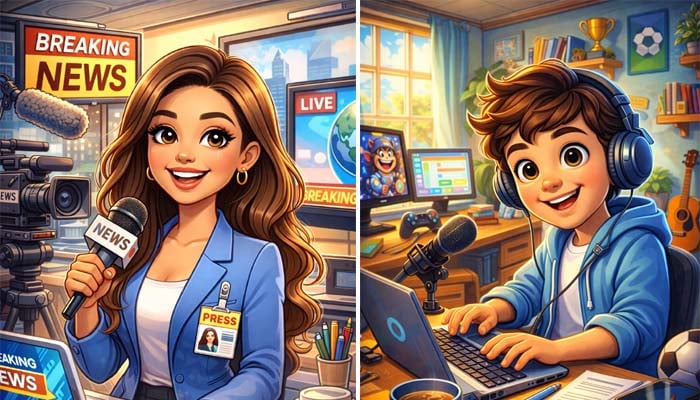
ChatGPT’s caricature is taking the internet by storm due to its ultra-fast speed, photorealistic quality, and seamless user experience.
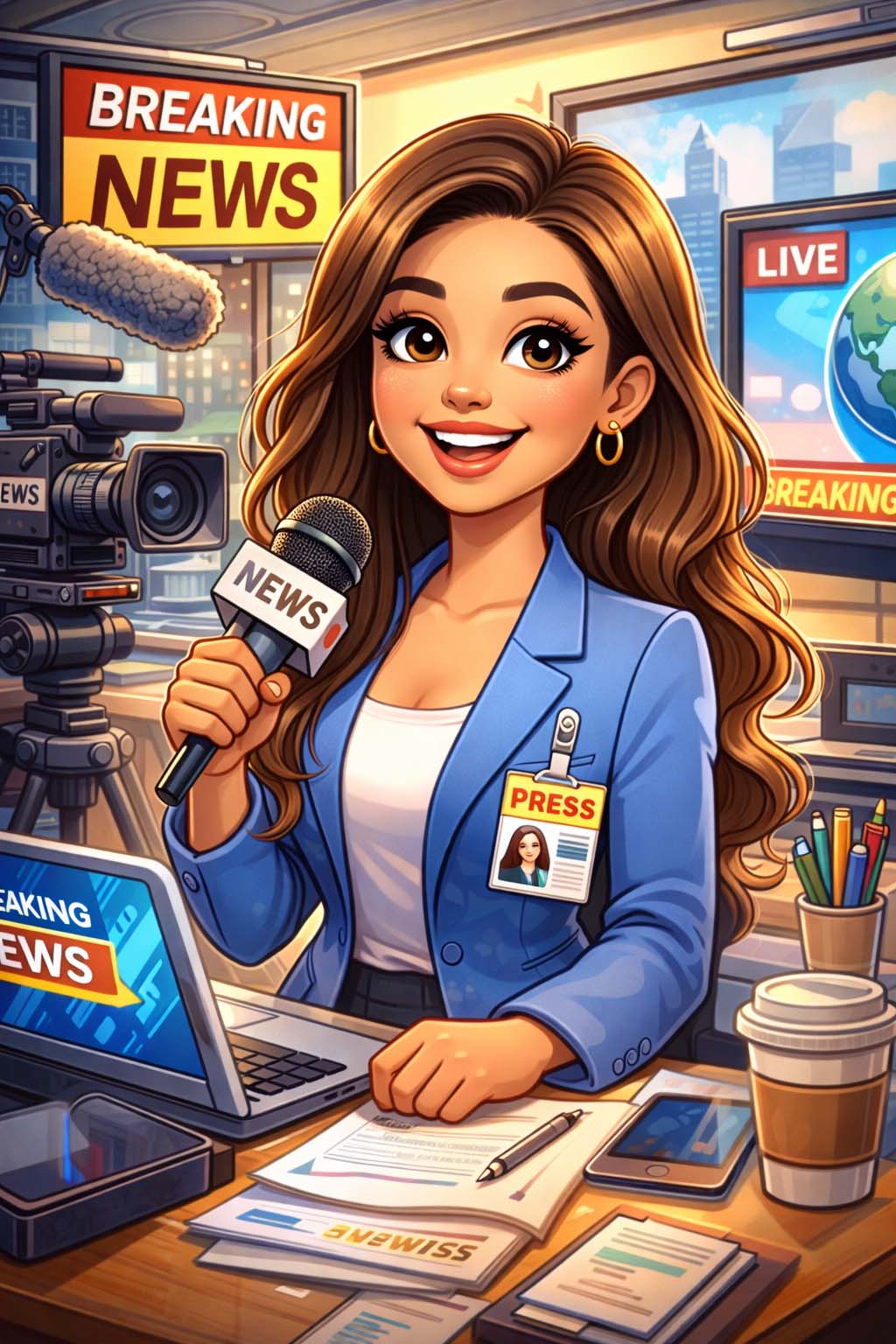
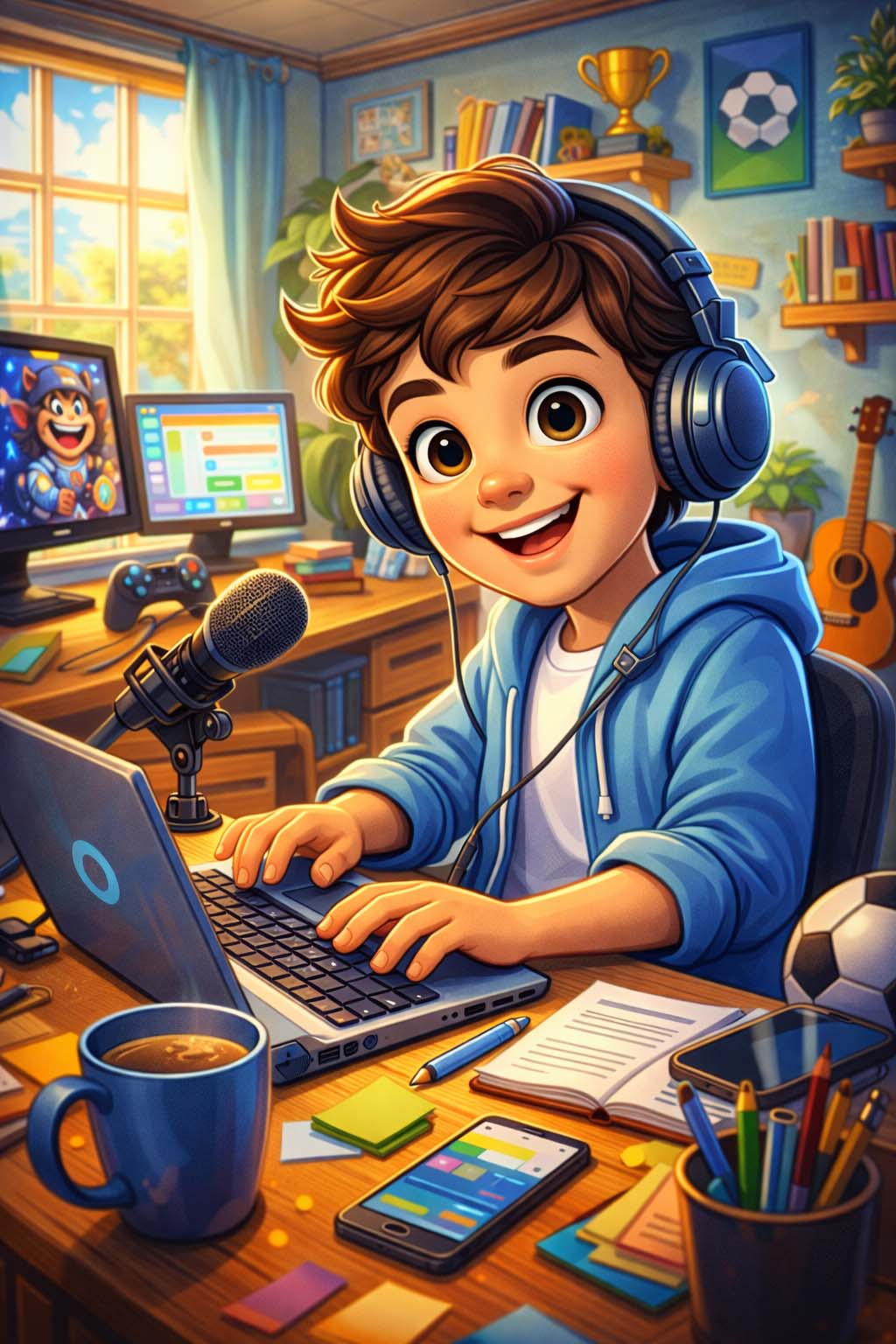
It transforms your images into interesting cartoon variants that reflect their jobs, personalities, and everyday environments.
What makes the trend stand out is its deeply personalised touch. Instead of generic filters, AI analyses user-provided details — and sometimes past chat history — to generate humorous yet surprisingly accurate animated portraits.
Here’s how to use it?
Here’s how to create ChatGPT caricature of yourself:
- 1. Open ChatGPT
- 2. Upload an image of yourself.
- 3. Create a caricature of me and my job based on what you know about me.
Viral caricature prompts to try
Here are some trending prompts gaining traction:
"Create a caricature of me and my job based on everything you know about me."
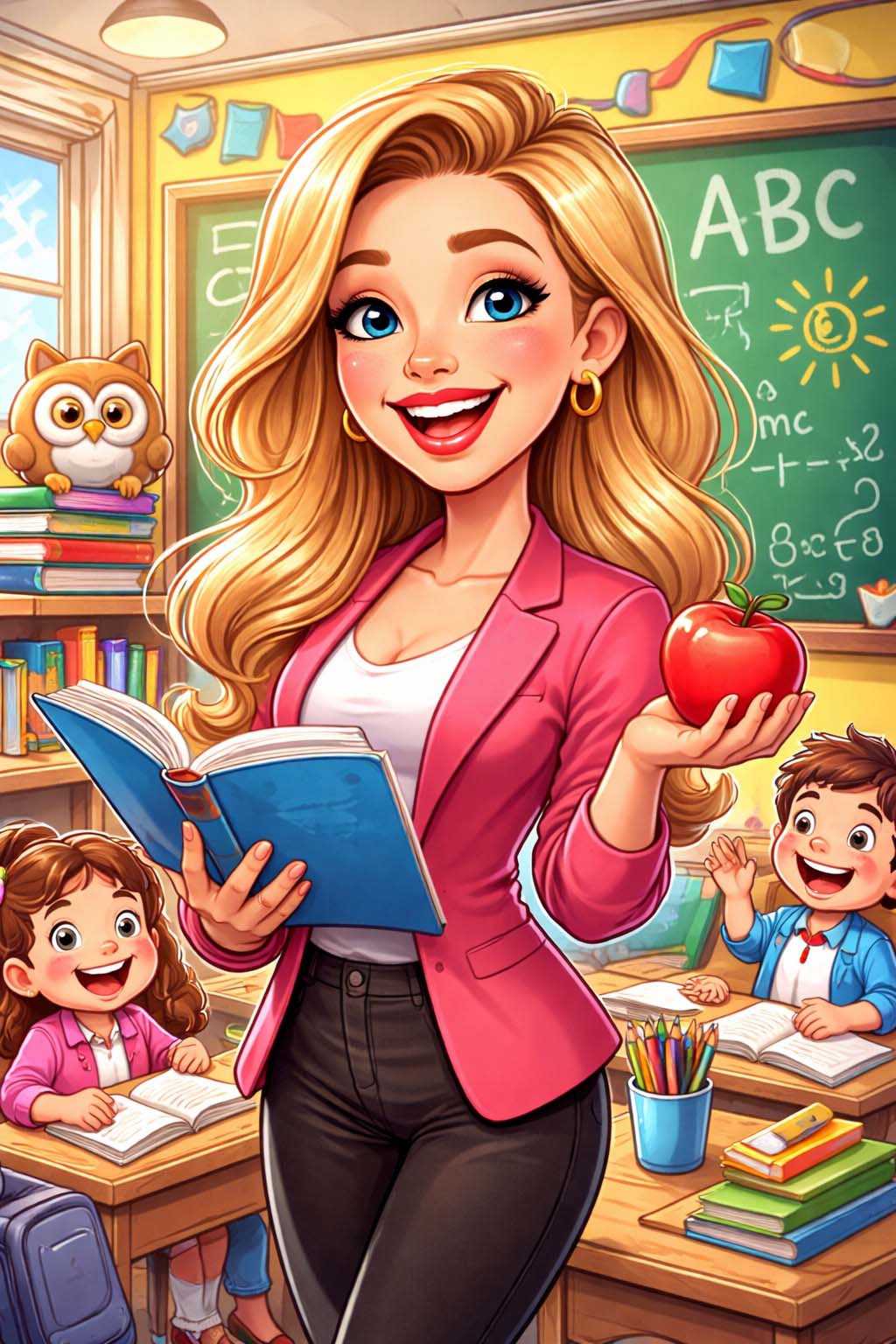
"Create a caricature of me being a cheerful teacher in vibrant classroom"
“Draw me as a Pixar-style animated character in a lively scene that reflects my hobbies and daily routine.”
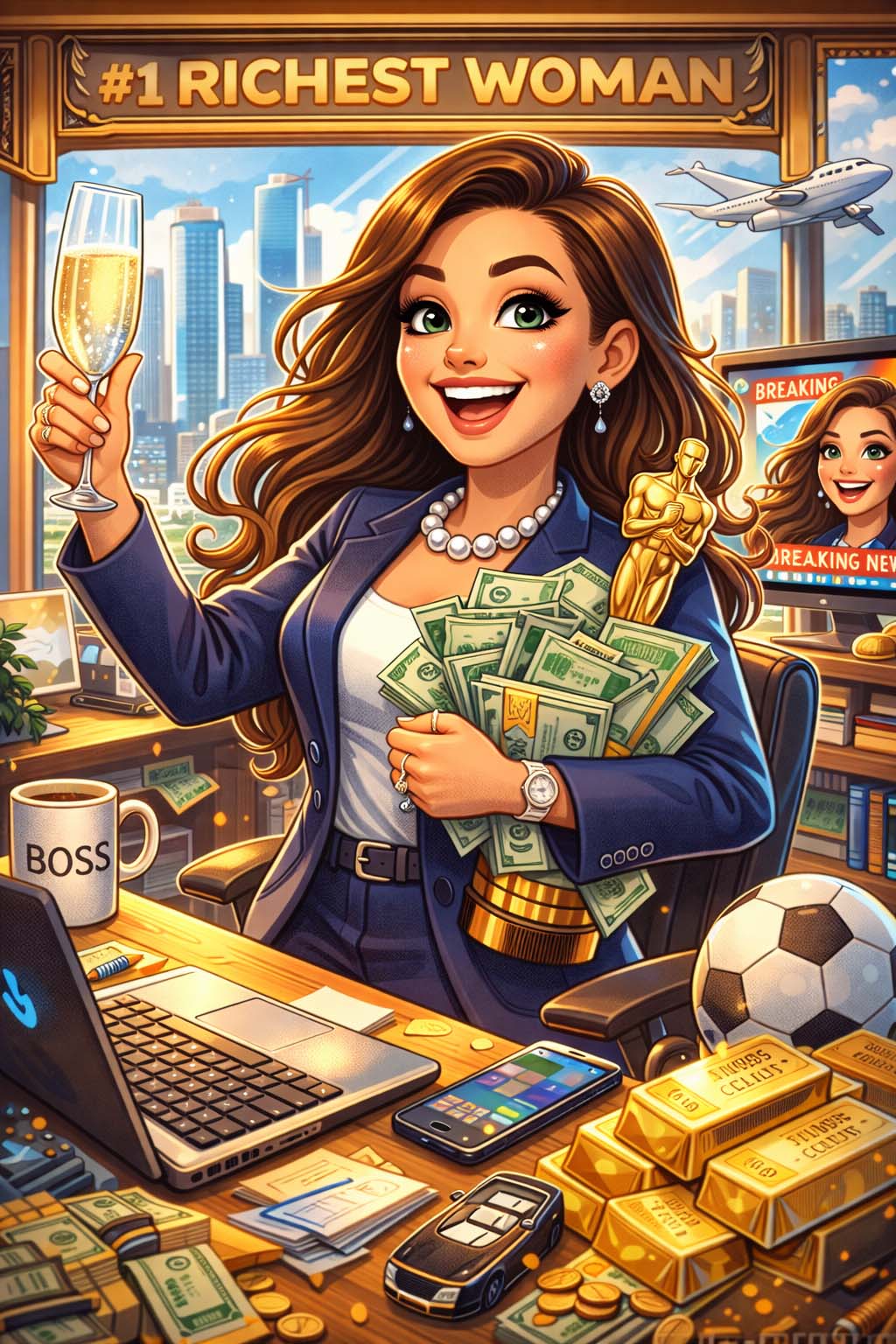
“Illustrate a humorous future version of me 10 years ahead, showing career success and exaggerated details.”
With these top ChatGPT caricature prompts, users will be able to generate jaw-dropping, and viral images that may help to significantly boost your social media engagement, as AI-generated self-portraits continue to capture tremendous attention.