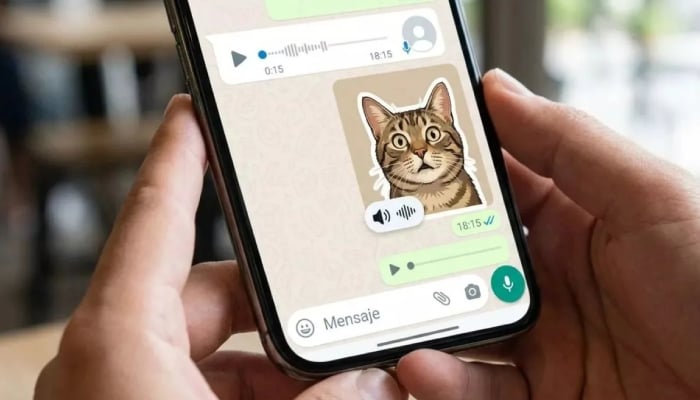
Stickers have become one of the most popular ways to communicate on WhatsApp.
According to Merca20, until now, users could share images and animations to express emotions, respond to messages, or simply make our friends laugh.
But now, they will also be able to add sound to them.
On Wednesday, November 25, the messaging app released an update through the Android and iPhone app stores and began enabling stickers with audio, sparking a trend across social media.
To understand what this means, imagine you have an animated sticker of your favorite movie character.
Now, in addition to sharing an animated image, you could include one of the character’s most iconic lines, a sound effect, or even a recording of your own voice.
What’s particularly interesting is that WhatsApp is introducing tools that allow users to create their own stickers directly within the app or simply receive and save them as they normally would.
How to create your own WhatsApp stickers with audio
If you’re among the users who already have access to this new feature, you can use WhatsApp’s sticker editor to create your own stickers with sound.
Follow these steps:
Open WhatsApp and go to any chat.
Navigate to the stickers section.
Select the Create option.
Choose a video from your phone’s gallery.
Look for the tool that allows you to add audio.
Select the sound you want to use or record your own voice.
Preview the result and share your sticker.
Keep in mind that this feature is still being rolled out gradually, so some options may change before it becomes available to all users.