Instagram has launched the Lofi Dusk filter, which has taken the internet by storm.
This marks the first time they've added filters in over two years and did so to keep up with "photography trends."
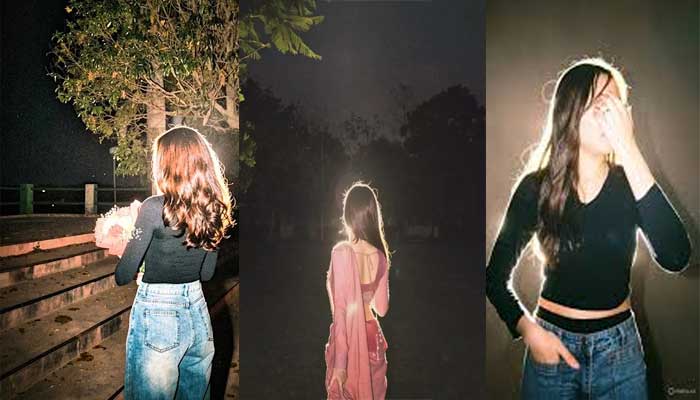
The Lofi Dusk filter has become one of the latest visual trends on Instagram, with users posting cinematic portraits featuring glowing rim light, dark backgrounds, soft flash effects, and grainy low-light textures.
The effect creates a moody night-time look inspired by vintage digital cameras and DSLR flash photography.
Instagram said the new filters "soften and subtly shift colors to achieve the look and feel you want".
How to use Instagram’s Lofi Dusk filter?
Follow these steps to get a magical effect on your photos:
1: Launch Instagram > Story .
2: Select any photo, which you would want to add.
3: Go to effects /restyle.
4: Select & apply LOFI DUSK filter.
5: Download and save it to the camera roll.
The Lofi Dusk filter comes after the launch of Flash 3 update that also made waves across social media.