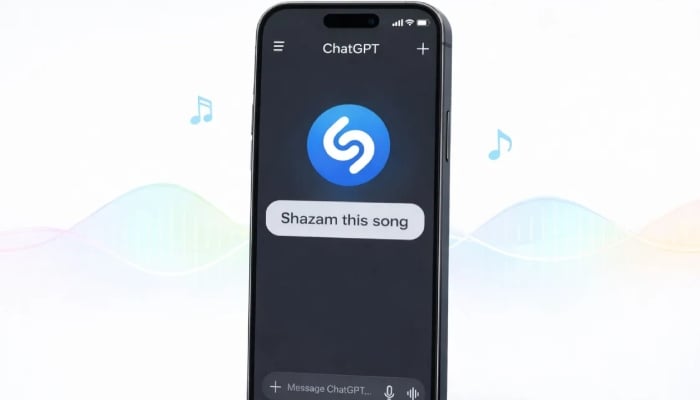
ChatGPT has now integrated Apple-owned Shazam to help identify songs playing around you without launching the Shazam app on your phone.
The AI assistant listens to the audio, runs it through the app's recognition system, and displays the results inside the conversation.
How can users identify songs inside ChatGPT?
The feature works through ChatGPT's apps integration, where you can connect services like Shazam to the AI chatbot.
Once it's connected, the user can kick off the feature by typing commands such as "Shazam" or "Shazam this song".
After the audio is analysed, ChatGPT returns several pieces of information about the track, including the song title, the artist name, and album artwork.
The integration works even if the Shazam app is not installed on the device; however, if you do have the app installed, any songs identified through ChatGPT can be saved to your Shazam library for future listening.
How to set up Shazam in ChatGPT?
Shazam is not enabled in ChatGPT by default, and it needs to be set up through the ChatGPT Apps section.
To set up the exciting feature, type "Shazam" in the search bar and connect it to your account.
Moreover, the integration can also be enabled from Shazam's dedicated page.
Once connected, the music recognition feature works across all supported devices on iOS and Android.