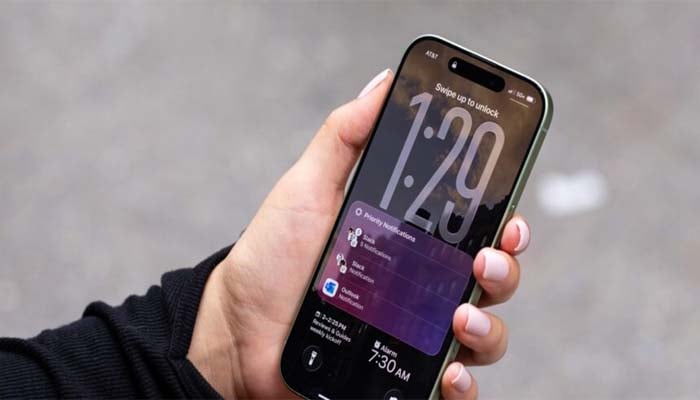
Apple has officially launched the eagerly-awaited iOS 26.2 updates for its core operating systems, including iOS, iPadOS, macOS, watchOS, and visionOS, with the iPhone update.
The iOS 26.2 delivers enhancements to Apple Music, Podcasts, and Games, along with bug fixes and security updates, offering a streamlined user experience.
New features include offline lyrics for downloaded songs, automatic podcast chapters, enhanced safety alerts, AirDrop verification codes for unknown contacts, expanded Lock Screen customization options, and more.
A new accessibility feature that makes the screen flash when a user receives notifications.
Here’s how to access iOS 26.2
To access the recently launched iOS 26.2, users are required to update their device by following these steps:
Launch Settings > General > Software Update, where users can download immediately and schedule the update.
iPadOS 26.2 adds improved multitasking
iPadOS 26.2 improves the new windowing system with advanced drag-and-drop gestures, and simplified creation of Slide Over windows.
macOS 26.2 introduces Edge Light
macOS 26.2 brings Edge Light, a video-calling feature that illuminates the edges of the display, enhancing video quality without inhibiting on-screen content.